Field guide
A practical guide to the calculation
Confirm observation order and control before reviewing the original closure and corrections.
Start with observations that belong to one run
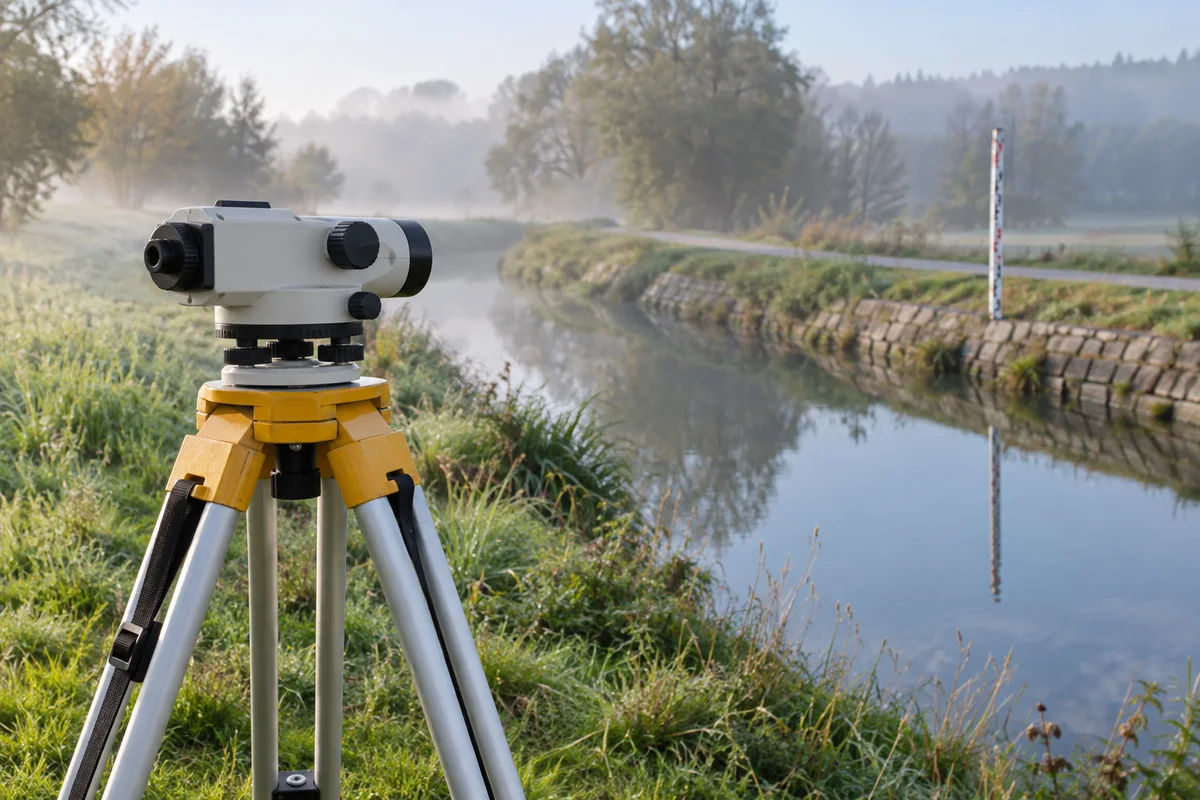
A level loop calculator is useful when you need to turn ordered staff readings into a reviewable elevation table. This page carries a known starting elevation through instrument setups, records the unadjusted results, and compares the final elevation with control when that control exists. It accepts a single connected run. It does not combine several intersecting runs into a network adjustment or identify a vertical datum from the numbers alone.
Keep your field notes, benchmark description and observation revision alongside the calculation. A point name tells the program how records connect, but it cannot establish that the physical mark remained stable or that the correct staff was observed. Confirm the start elevation, common units and control source before calculating. The reference field is saved with the results so that a colleague can understand the basis of the run later.
Prepare four explicit columns
The first four columns are Point, Type, Reading and Distance, in that order. Use BS for a backsight, IS for an intermediate sight and FS for a foresight that ends the current setup. Header names may be descriptive, but column positions remain fixed. Choose the delimiter and header setting deliberately. Additional columns are retained in the JSON report, and physical source line numbers remain attached to each observation.
Keep the fourth column even when no distances are available. In a comma-delimited file, a row such as A,BS,1.500, ends with a comma because its distance cell is blank. The parser reports malformed quotes and inconsistent row widths. An invalid observation blocks calculation of the entire run; it is not removed to create an apparently complete sequence. You can still save the diagnostic report and correct the original input.
Use the instrument height method consistently
For a setup, add the backsight reading to the elevation of its known point to obtain the instrument height, meaning the elevation of the horizontal line of sight. Subtract an intermediate or foresight reading from that instrument height to obtain the observed point elevation. Here instrument height is an elevation in the chosen datum, not a tape measurement from the ground to the telescope.
For example, a start elevation of 100, a backsight of 1.5 and a foresight of 1.2 give an instrument height of 101.5 and a new elevation of 100.3. After moving the instrument, take a new backsight on that turning point to establish a new line of sight. The next BS point name must match the preceding FS point name; the program does not infer a connection between differently named marks.
Keep intermediate sights outside the closure sum
An intermediate sight uses the current instrument height without moving the instrument or transferring the run to a new turning point. It therefore changes neither the active instrument height nor the elevation carried forward by the route. Each setup follows BS, then zero or more IS records, then FS. Two consecutive backsights without a closing foresight are a sequence error, as is ending the file with an unfinished setup.
Only backsights and closing foresights enter the route totals. Adding intermediate readings to the foresight total would change the apparent elevation difference even though the route itself has not changed. The report gives both sums and preserves every IS record separately. Repeated observations are not averaged automatically, and a side point is not silently promoted to a benchmark or a turning point.
Choose the endpoint control before interpreting misclosure
A loop returns to the same named starting mark and uses its starting elevation as the known end elevation. An attached run reaches a different endpoint whose independently known elevation you enter. A run with no known endpoint can still produce elevations, but it cannot produce a meaningful closure check. In that mode the correction selector is disabled and the closure result stays unavailable rather than displaying zero.
This page defines misclosure as the computed unadjusted endpoint elevation minus the known endpoint elevation. A positive value means the calculation finishes too high under that convention, so the total correction is negative. A negative value requires a positive total correction. The original value remains in the report after adjustment. There is no built-in tolerance verdict because a suitable tolerance depends on the survey procedure and project requirements.
Select an adjustment rule only after review
No adjustment is the default. If control is available, you may explicitly select equal setup weights or weights based on section distances. Equal setup weighting distributes the total correction uniformly across instrument setups. Distance weighting distributes it according to each setup's contribution to the total run distance. These choices encode assumptions about how error should be allocated; the calculator cannot select a justified method from the readings alone.
For distance weighting, enter the combined backsight plus foresight horizontal distance for each setup on its FS row. Every such distance must be positive. Do not enter only the forward sight distance or a cumulative route distance, and do not enter distances on BS or IS rows. Cumulative correction at a turning point is the negative misclosure multiplied by the fraction of total weight reached at that point. The last point receives the full correction.
Understand the treatment of side points
When adjustment is selected, an IS elevation inherits the cumulative correction at the start of its setup, which is the correction on the backsight turning point. This is an explicit convention for carrying the adjusted reference through the setup; the page does not estimate a separate route position or weight for each side point. The original instrument height and original IS elevation remain visible so the result can be reconstructed.
Do not treat those adjusted side elevations as independently checked control. If your required workflow allocates corrections within a setup using additional observation geometry, or combines repeat observations with different weights, this simple run calculator does not implement that model. Preserve the unadjusted report and use a method that represents those observations. Correction fields stay blank when no adjustment is selected, keeping an unperformed operation distinct from a computed zero correction.
Check the public example and the arithmetic
The example button loads an author-published four-setup circuit from Jerry Mahun's surveying teaching material. It begins at BM Ripp at 820.12 feet, has total backsights of 30.38 and total foresights of 30.42, and returns with an unadjusted elevation of 820.08. Under this page's sign convention, the original misclosure is -0.04 feet. Selecting equal setup weights adds cumulative corrections of 0.01, 0.02, 0.03 and 0.04 feet at the four foresight points.
These are published teaching observations, not measurements from your project. The selected weighting method is an additional calculation choice. The arithmetic check confirms that the start elevation plus the backsight sum minus the foresight sum agrees with the computed endpoint. That identity can expose a calculation error, but a consistently entered wrong reading can still satisfy it. Review the field evidence as well as the arithmetic.
Save a complete handoff record
The audit CSV contains source line, point, sight type, reading, section distance, setup, instrument height, original elevation, cumulative weight, correction, adjusted elevation and any error. JSON also preserves the complete input text, all original fields, control conditions, method, timestamp and software version. Pagination affects only the display. A reviewer should reconcile the number of observations rather than assuming that a short preview is the complete result.
Calculations run locally in a browser worker. You can cancel processing, restore the most recent completed input scenario or clear the session. Editing an input invalidates the existing result. The limits are one hundred thousand observations and ten mebibytes of source text; decimal values support up to twelve places and magnitude one trillion. Decimal arithmetic avoids unnecessary binary rounding in the elevation sums, while repeating weighted corrections use finite decimal expansions. Those numerical limits do not certify measurement accuracy.